
Free download · Official source
Waka TV App Download: APK for Android, Android TV & Fire Stick
Get the Waka TV app straight from us — from Google Play, as a direct APK, or with Downloader code 3580576. The download is free and always the latest version; on Google Play it's listed as Zest Player IBO.
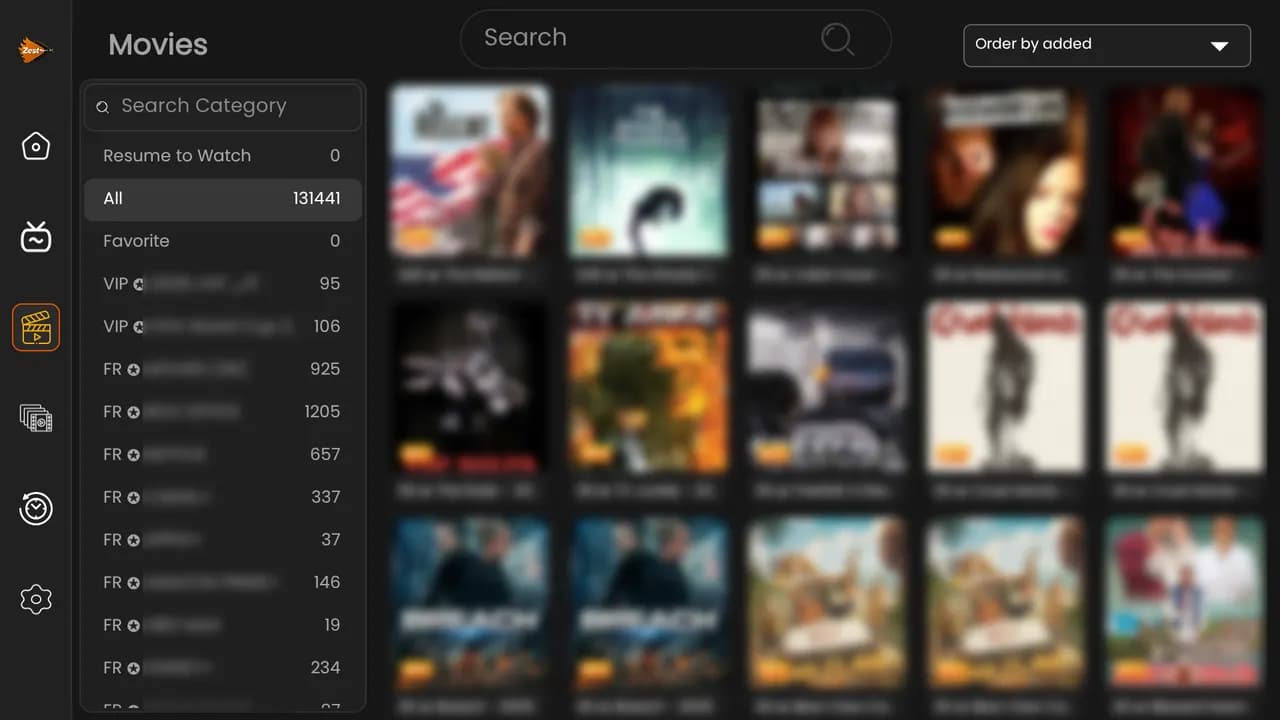
Choose your Waka TV download
All three options install the same app. Pick the one that matches your device.
Google Play Store
Listed as Zest Player IBO
Best for Android phones, tablets, Android TV and Google TV. Installs in one tap and updates automatically.
Get it on Google PlayDirect APK download
Latest version, from our server
For Android devices without the Play Store — Huawei phones, many Android TV boxes and older Android TVs. Allow your browser to install unknown apps when asked.
Download APKDownloader code
Fire TV Stick & Android TV
Install the free Downloader app on your Fire TV Stick or Android TV, then type this code in the address box and press Go.
Which download is right for my device?
| Your device | Best download | Good to know |
|---|---|---|
| Android phone or tablet | Google Play | Search for Zest Player IBO, or use the button above. |
| Huawei phone (no Play Store) | Direct APK | Allow your browser to install unknown apps. |
| Fire TV Stick / Fire TV Cube | Downloader code | Downloader → 3580576 → Go. |
| Android TV / Google TV | Google Play | If it's not listed on your TV, use Downloader with 3580576. |
| Android TV box (Mi Box, X96…) | Google Play or APK | Boxes without the Play Store: Downloader or the APK. |
| Samsung / LG Smart TV | Fire TV Stick or Android box | These TVs don't run Android apps — add a stick via HDMI. |
Need screenshots for a specific TV? Our Waka TV setup guide walks through every device, including Smart TVs.
How to install the Waka TV APK on Android
The Waka TV APK is the installer file for Android. Use it when your phone, tablet or TV box doesn't have the Google Play Store, or when you'd rather install directly. The download link always serves the latest version.
- 1Tap Download APK on your Android phone, tablet or TV box. The file (ZestPlayer.apk) saves to your Downloads folder.
- 2Open the file from your notifications or the Files app.
- 3If Android asks, allow your browser or Files app to install unknown apps, then go back.
- 4Tap Install, then Open.
- 5Log in with your Waka TV details — channels and movies load straight away.
Waka TV download for Fire Stick and Android TV
Fire TV Sticks don't have the Google Play Store, so the quickest way to get the Waka TV app is the free Downloader app and our code 3580576. The same method works on any Android TV where the app doesn't appear in the store.
- 1On your Fire TV Stick, search for Downloader and install it (it's free in the Amazon Appstore).
- 2Go to Settings → My Fire TV → Developer Options → Install Unknown Apps, and switch Downloader on. (No Developer Options? Open Settings → My Fire TV → About and click your device name 7 times.)
- 3Open Downloader, type 3580576 and press Go.
- 4Choose Install, then Open, and log in.
Downloader only fetches the file; once Waka TV is installed you can delete the downloaded APK inside Downloader to free up space on the stick.
More Waka TV download guides
Need more detail for your device or situation? Each of these guides goes step by step:
- Getting the latest version — check you're up to date and update without losing your login.
- Installing the APK — browser, Downloader or USB stick, plus fixes for install errors.
- Android phones & tablets — settings for Samsung, Huawei, Xiaomi, Oppo and more.
- Android TV & Google TV — install straight onto your Smart TV.
- Watching on your phone — data, battery and load shedding tips.
- APKPure & Uptodown — why to download only from official sources.
Waka TV download: common questions
APK updates, the Downloader code, installing on phones and fixing install errors.
The Downloader code for the Waka TV app is 3580576. Install the free Downloader app on your Fire TV Stick or Android TV, type 3580576 in the address box and press Go — the app downloads and installs.
Downloaded the app? Choose your package
The app is free — pick a Waka TV package from R399, or ask for a 24-hour free trial on WhatsApp.
See packages & prices