
Waka TV Mobile: How to Watch Waka TV on Your Phone
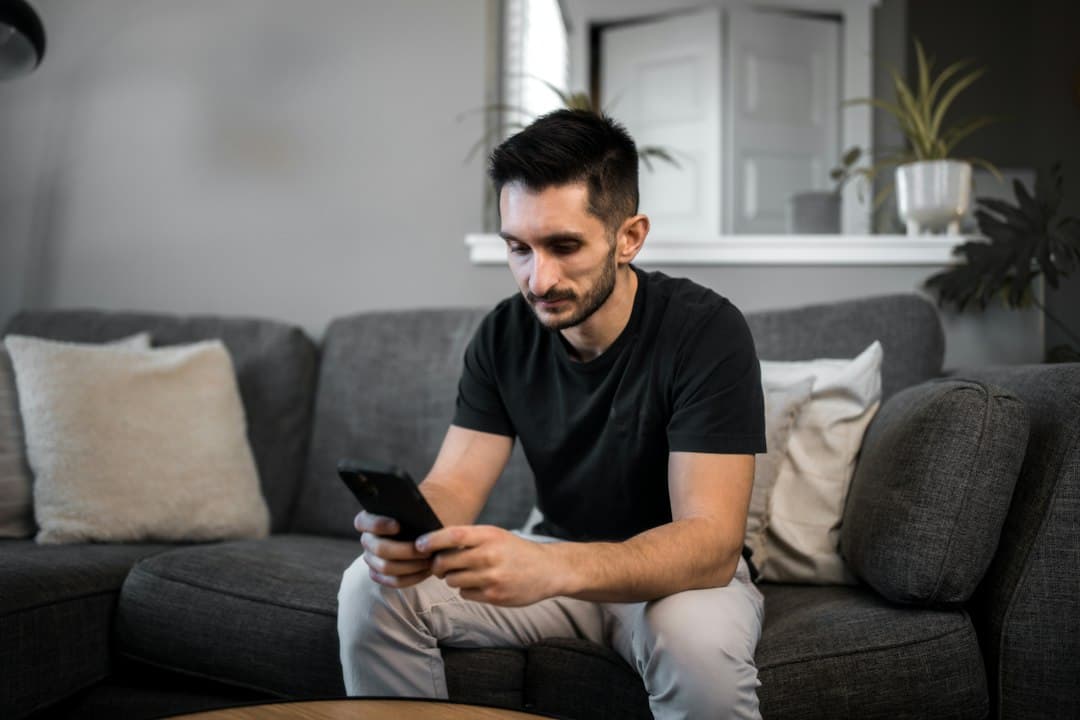
Waka TV isn't just for the lounge TV. With Waka TV mobile, the same live channels, movies, series and catch-up go wherever your phone goes — on the couch while someone else has the remote, in the car on the way to a match (as a passenger!), or in the dark during load shedding when the TV is off but your phone still has battery.
This guide covers how to install the app on your phone, what it costs in data, how to make your battery last, and how mobile viewing fits with your package.
Getting Waka TV on your mobile
The app runs on Android phones and tablets. There are two ways to install it:
- Google Play: search for Zest Player IBO (the name the Waka TV app is listed under) and tap Install.
- Direct APK: for phones without Google Play, such as newer Huawei models, use the Download APK button on our download page.
Then log in with the details we sent you on WhatsApp. Our step-by-step guide to the Waka TV app download for Android covers every phone brand.
Using an iPhone? Message us on WhatsApp and we'll tell you the best option for your device.
What you can watch on Waka TV mobile
Everything on your account is available on your phone, in the same layout as on the TV:
- Live — channels by category, with search, Favourite and Recently Viewed lists.
- Movies and Series — the full on-demand library, with Resume to Watch so you can pick up a movie where you left off on that device.
- Catch Up — replay recent programmes on supported channels.
Turn your phone sideways for the full-screen player.
Wi-Fi or mobile data?
You can stream on both, but they're very different in cost:
| Connection | Good for | Watch out for |
|---|---|---|
| Home Wi-Fi (fibre or LTE router) | Long matches, movies, binge sessions | Signal strength in far rooms |
| Mobile data (LTE/5G) | Catching a few minutes on the go | Data costs add up quickly |
| Public Wi-Fi | Occasional viewing away from home | Speed and reliability vary |
How much data does Waka TV mobile use?
Phones usually stream at lower resolutions than TVs, so watching on a phone uses less data than the same channel on a big screen. As a rough guide:
- SD: about 0.5–1 GB per hour
- HD: about 1.5–3 GB per hour
- Live sport sits at the higher end because of fast motion
A full football or rugby match on mobile data can easily use 3–6 GB. If you're on a capped bundle, check your balance before kick-off and consider a night or streaming bundle from your network for regular viewing.
Tips for watching Waka TV on your phone
Save data
- Stream on Wi-Fi whenever you can.
- Stop playback when you put the phone down — live TV keeps using data even when nobody's watching.
- Close the app fully when you're done rather than leaving it in the background.
Save battery
- Lower the screen brightness a notch or two; the screen is the biggest battery drain.
- Use Wi-Fi rather than mobile data where possible — it usually uses less power.
- During load shedding, keep a power bank handy for long matches.
Get a better picture and sound
- Use earphones or a Bluetooth speaker for clearer sound.
- If the stream stutters on mobile data, move closer to a window or try a spot with better signal.
Waka TV mobile during load shedding
When the power goes off, your TV and router usually go with it — but your phone keeps working on mobile data as long as the network is up. That makes your phone a handy backup for the news or the second half of a match. If your router is on a small UPS, you can even keep watching on home Wi-Fi.
Just keep an eye on your data balance, and remember that long power cuts can affect local network sites too.
Waka TV mobile for the kids
Handing a phone or tablet to the children? The app's parental controls let you lock categories — for example, adult movie categories or late-night channels — so they're kept out of easy reach. Set them up on each device the children use, because locks are saved on the device rather than on your account. Adding their favourite kids' channels to Favourite also means they find what they want without scrolling through everything else.
Watching while you travel
Because it streams over the internet, the app works anywhere in South Africa with decent signal or Wi-Fi — at the coast, at the in-laws' or at a guesthouse. Two things to keep in mind:
- Guesthouse and hotel Wi-Fi can be slow at night when everyone's online, so a lower quality setting may play more smoothly.
- If you travel outside South Africa, roaming data is expensive, and availability of some content can differ by country — use local Wi-Fi where you can.
How mobile viewing counts towards your package
You can install the app on as many phones and tablets as you like with the same login. What your package limits is how many screens stream at the same time:
- A Standard or Premium package covers one screen at a time.
- A 2-screen or 3-screen family package lets, for example, the lounge TV and someone's phone stream together.
If you often watch on your phone while someone else uses the TV, a family package avoids interruptions.
Troubleshooting on your phone
| Problem | Fix |
|---|---|
| Can't find the app in the Play Store | Search Zest Player IBO, or use the APK from our download page |
| Login rejected on the phone but works on the TV | Re-type the details carefully — phone keyboards love auto-capitalising the first letter |
| Stream stops when another screen starts | Your package's screen limit has been reached — stop one stream or upgrade to a family package |
| Constant buffering on mobile data | Weak signal — move to Wi-Fi or a spot with better coverage |
| Phone gets hot | Lower brightness, close other apps, and avoid charging while streaming for long periods |
Frequently asked questions
Is there a Waka TV mobile app?
Yes — the same Waka TV app runs on Android phones and tablets. Get it from Google Play (Zest Player IBO) or the direct APK on our download page.
Can I watch Waka TV on mobile data?
Yes. Waka TV mobile works on LTE and 5G, but streaming uses roughly 1.5–3 GB an hour in HD, so watch your data balance.
Can I use my TV login on my phone?
Yes, the same login works on every device. How many can stream at once depends on your package.
Does Waka TV mobile work on iPhone?
Message us on WhatsApp and we'll let you know the best way to watch on your device.
Is the mobile app free?
The app is free; you need a Waka TV package or a free trial to watch.
The bottom line
Waka TV mobile puts your channels, movies and catch-up in your pocket: install the app on your Android phone, log in with your usual details, and watch on Wi-Fi or mobile data. Keep an eye on data and battery, and choose a family package if your phone and TV are often on at the same time.
Get started on our download page, or try it first with a 24-hour free trial.
Ready to try Waka TV?
Live TV, sport, movies and series in one app — packages from R399 for 3 months.
Get a free trialRelated articles
Waka TV App Download for Android Phones & Tablets (Step by Step)
How to do the Waka TV app download for Android: install from Google Play or the APK on Samsung, Huawei, Xiaomi, Oppo and other phones and tablets, then log in and start watching.
Waka TV App Download for Android TV & Google TV (2026 Guide)
How to do the Waka TV app download for Android TV and Google TV: check your TV, install from the Play Store or with Downloader code 3580576, and set it up for the best picture.

Waka TV APK Download Latest Version: How to Get It and Update
Get the Waka TV APK download latest version safely, check you're up to date, and update without losing your login — on Android phones, Android TV, TV boxes and Fire TV Stick.