
“Invalid” username or password
Re-type or paste the details exactly as sent. Most failed logins are a capital letter or a trailing space.
Your Waka TV login happens inside the app, not on this website. Enter the username and password we sent you on WhatsApp, and you're in. Below: step-by-step instructions, where to find your details, and quick fixes for login errors.
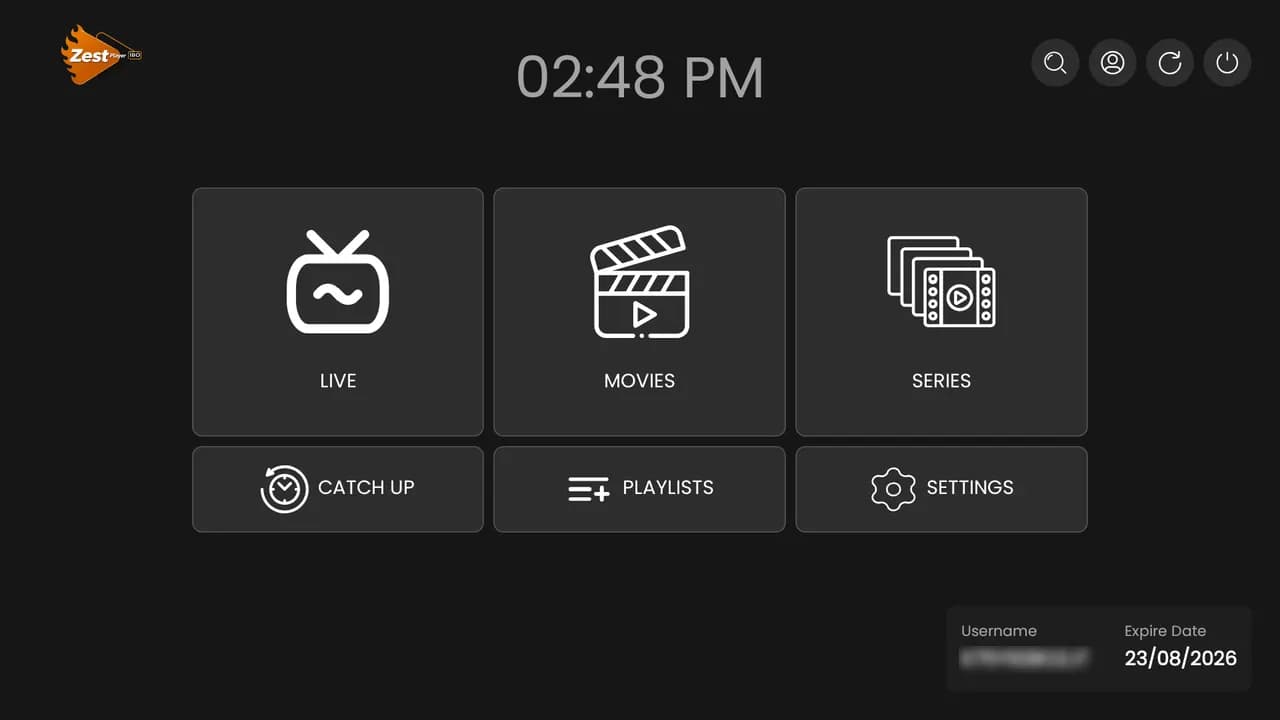
The same Waka TV login works on every device you install the app on, so you only need one set of details for the whole house.
When your order is activated, we send your username and password on WhatsApp, in the same chat you ordered in. Search that chat for “username” if it's scrolled out of view.
Can't find them, or changed phones? Message us from the number you ordered with — or include your username — and we'll resend your login.
Four problems cover almost every login issue.
Re-type or paste the details exactly as sent. Most failed logins are a capital letter or a trailing space.
If your expiry date has passed, renew on WhatsApp. The time is added to the same account — no new login needed.
Your package allows a set number of screens at once. Close Waka TV on another device, or upgrade to a 2- or 3-screen family package.
Restart your router and device, then reopen the app. Try a cable or 5 GHz Wi-Fi if the picture is slow to start.
Expired? See how to renew Waka TV. Setting up a new device? Follow the setup guide.
Passwords, multiple devices and expired accounts.
Inside the Waka TV app on your device — there's no separate website login. Open the app, enter the username and password we sent you on WhatsApp, and your channels load.
Still can't sign in?
Our team is on WhatsApp 24/7 and can check your account in a minute.
Chat to support